GetSetPress
- What
- A rig that mimics the physical behaviour of mechanical keys in order to find the right activation method for a touch keyboard.
- Why
- A touch keyboard gives no sensation at the moment of contact, so the hand cannot tell when the key registered.
- How
- Press depth, restoring force and other physical parameters are adjustable; capacitive sensing and an RF power detector measure contact, and multiplexing reads the key array. The control side is WPF and Arduino.
- New
- Activation is a variable to sweep rather than a fixed design constant, so the best point can be found by experiment.
Abstract
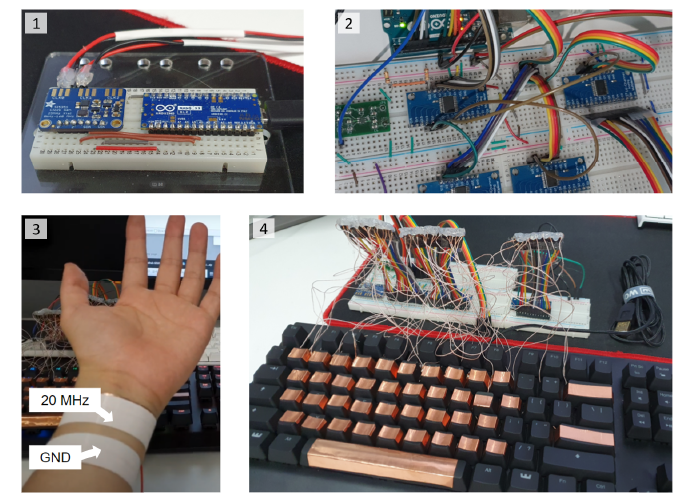
While numerous research studies have proposed that different activation methods can impact the typing performance of touch and physical keyboards, few options have been suggested to simulate various key activation applicable to both touch and physical keyboards. Therefore, we developed a tool to design and simulate different activation methods for touch and physical keyboards. We successfully implemented activation points of touch, release, peak force, peak area, and even a programmable travel depth threshold of given mechanical switches which can be utilized in both touch and physical keyboards. Our system showed decent amount of polling rates to correctly record input streams of typing experts, and end-to-end latency to simulate off-the-shelf desktop environments. We expect this tool to be used for designing optimal key activation methods for different needs.